Web Interface
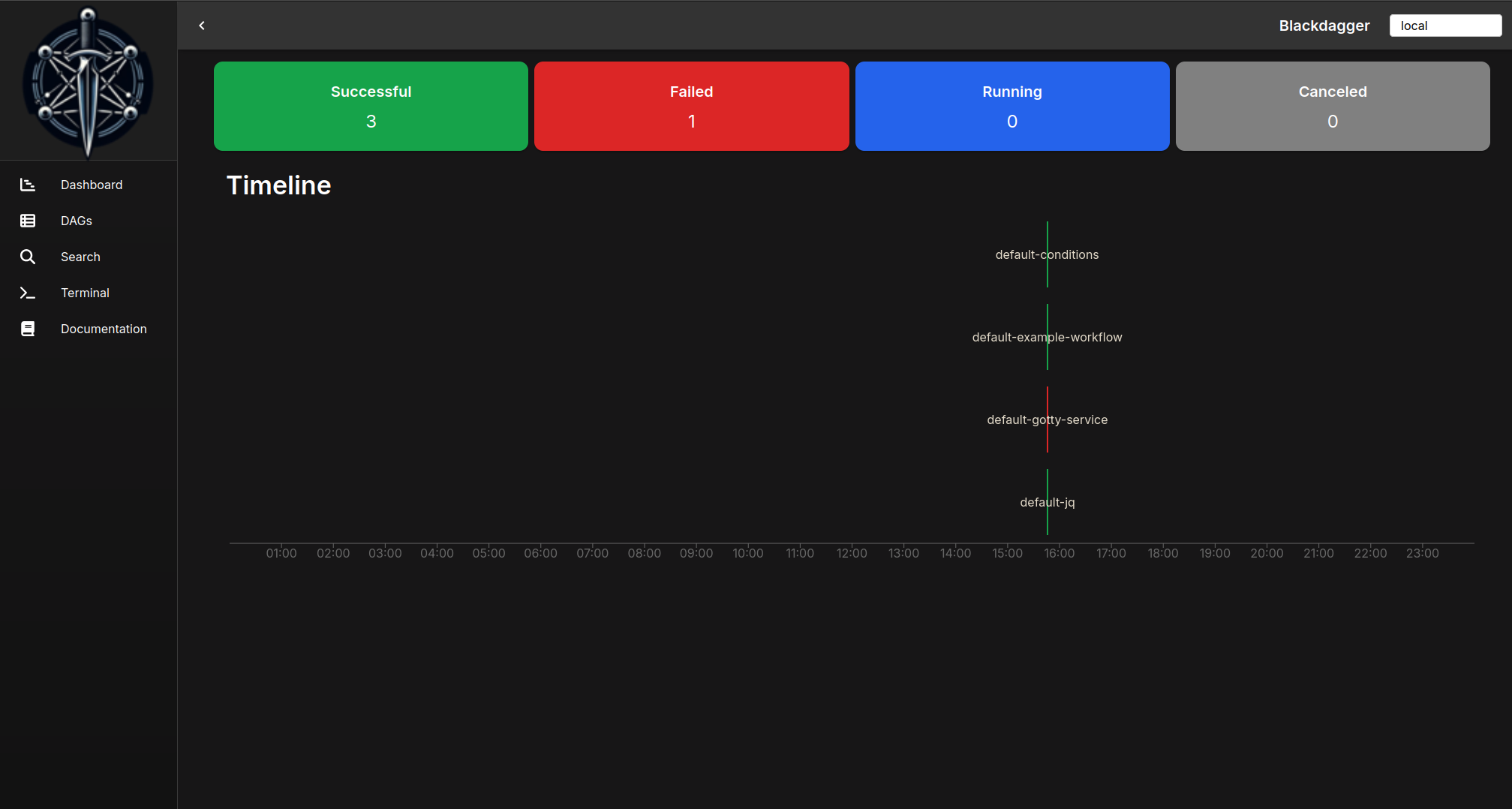
Dashboard
Main index page of Blackdagger. It shows DAG status and timeline for all DAGs.
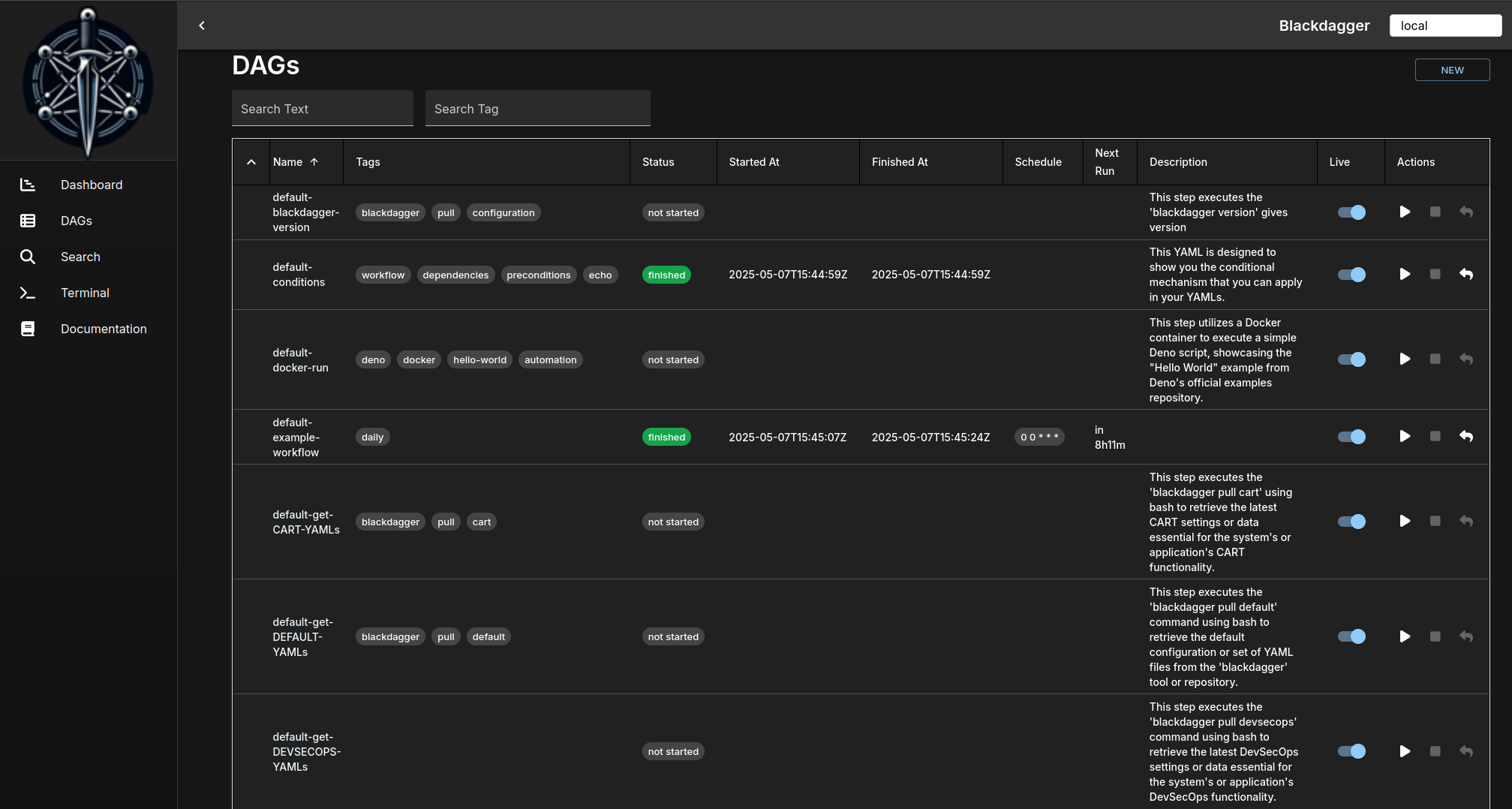
DAG List
It shows all DAGs and the real-time status.
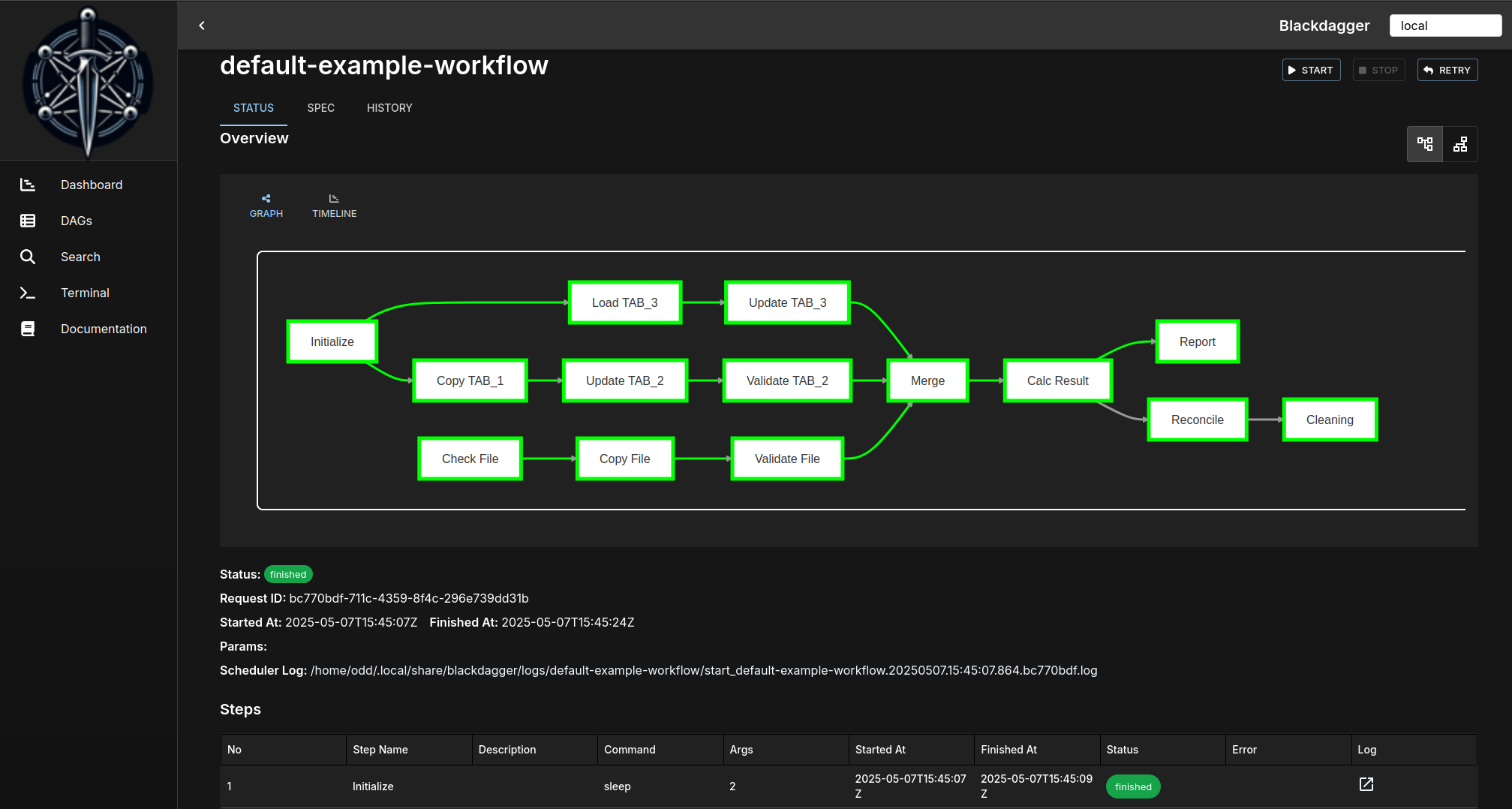
DAG Status
It shows the real-time status, logs, and DAG configurations. You can edit DAG configurations in the browser. You can switch to the vertical graph with the button on the top right corner.
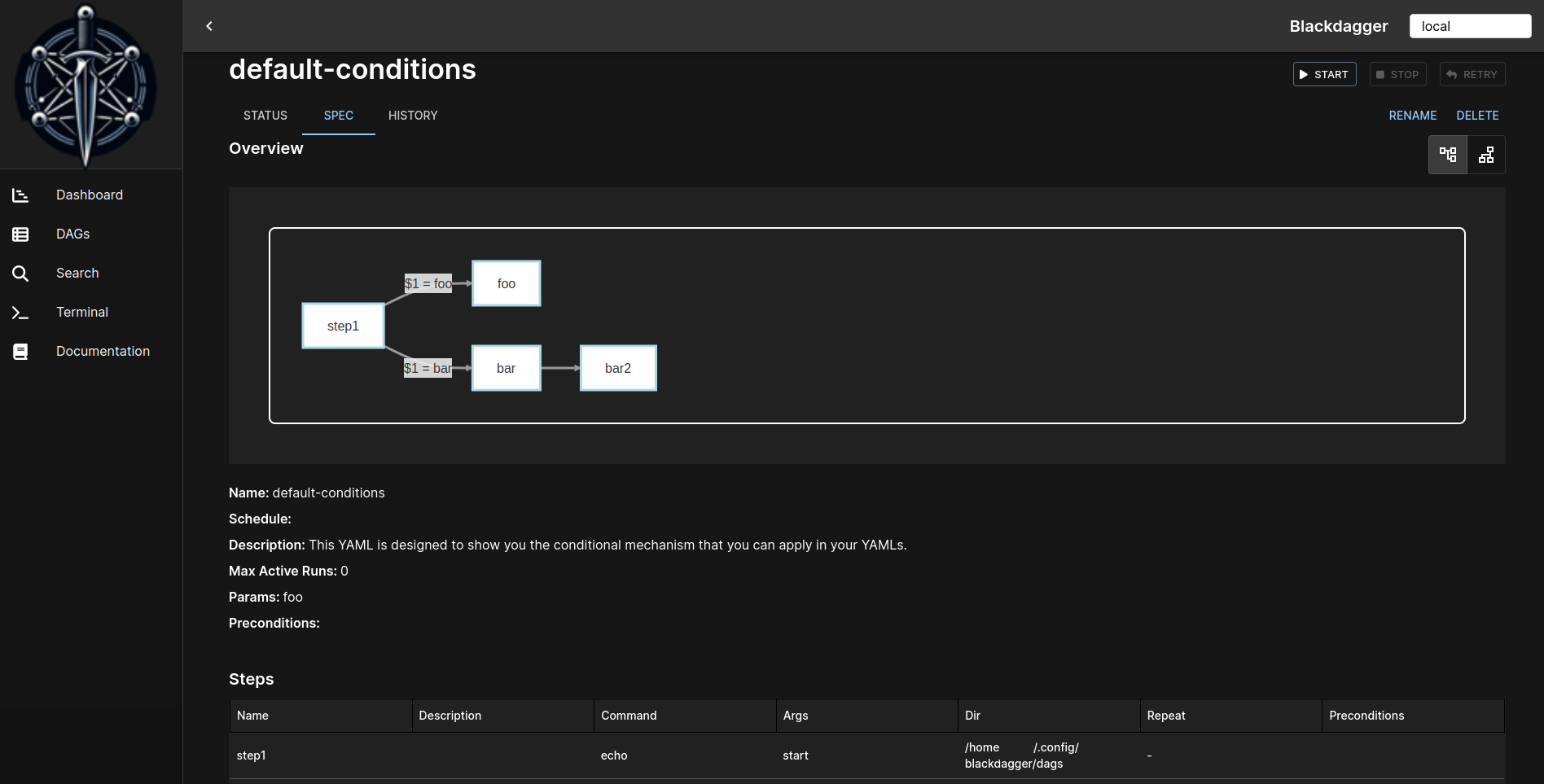
DAG Spec
Provides detailed specifications of a DAG, including editable steps, conditions, parameters, and preconditions to define the workflow logic.
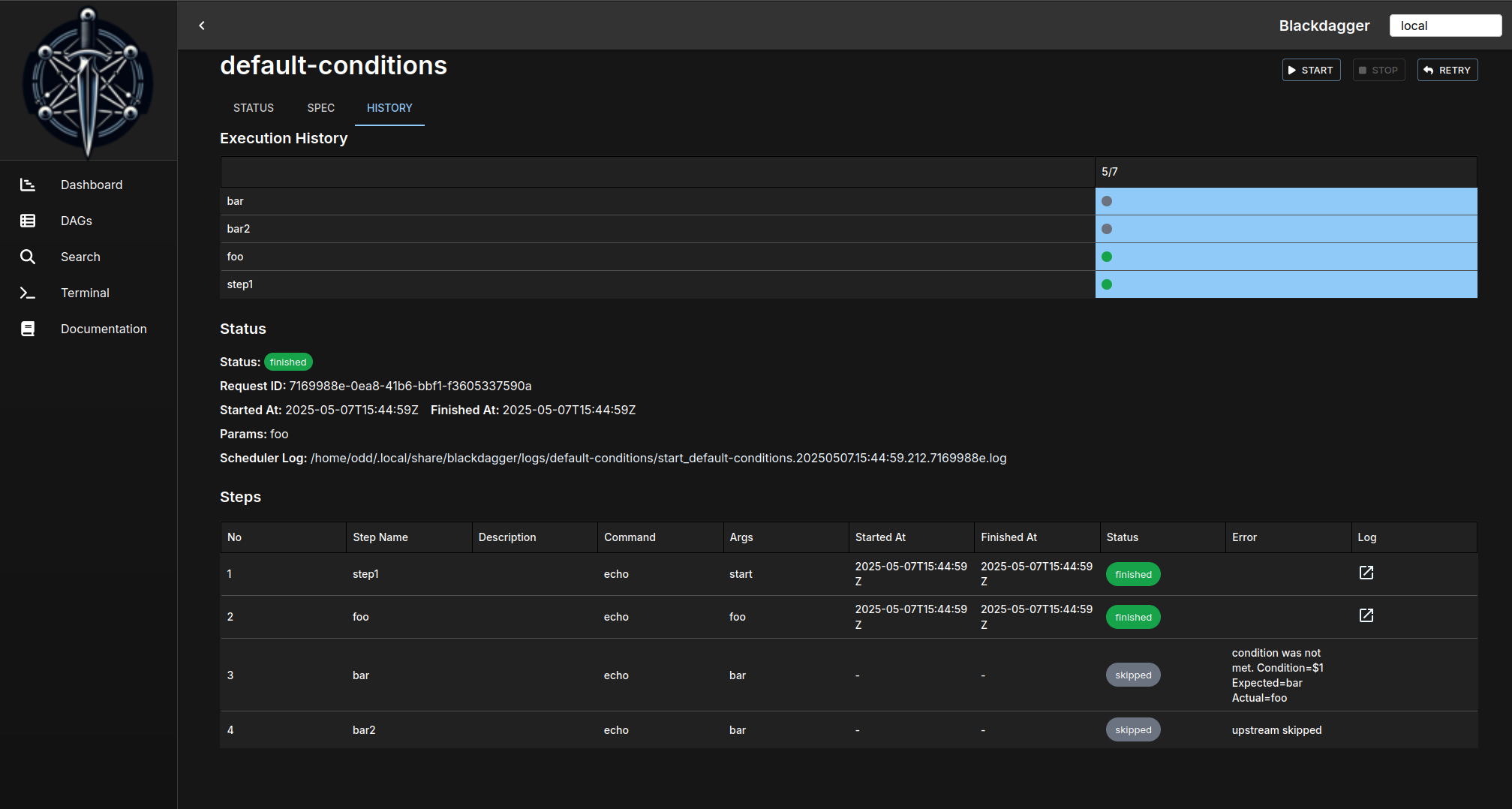
Execution History
It shows past execution results and logs.
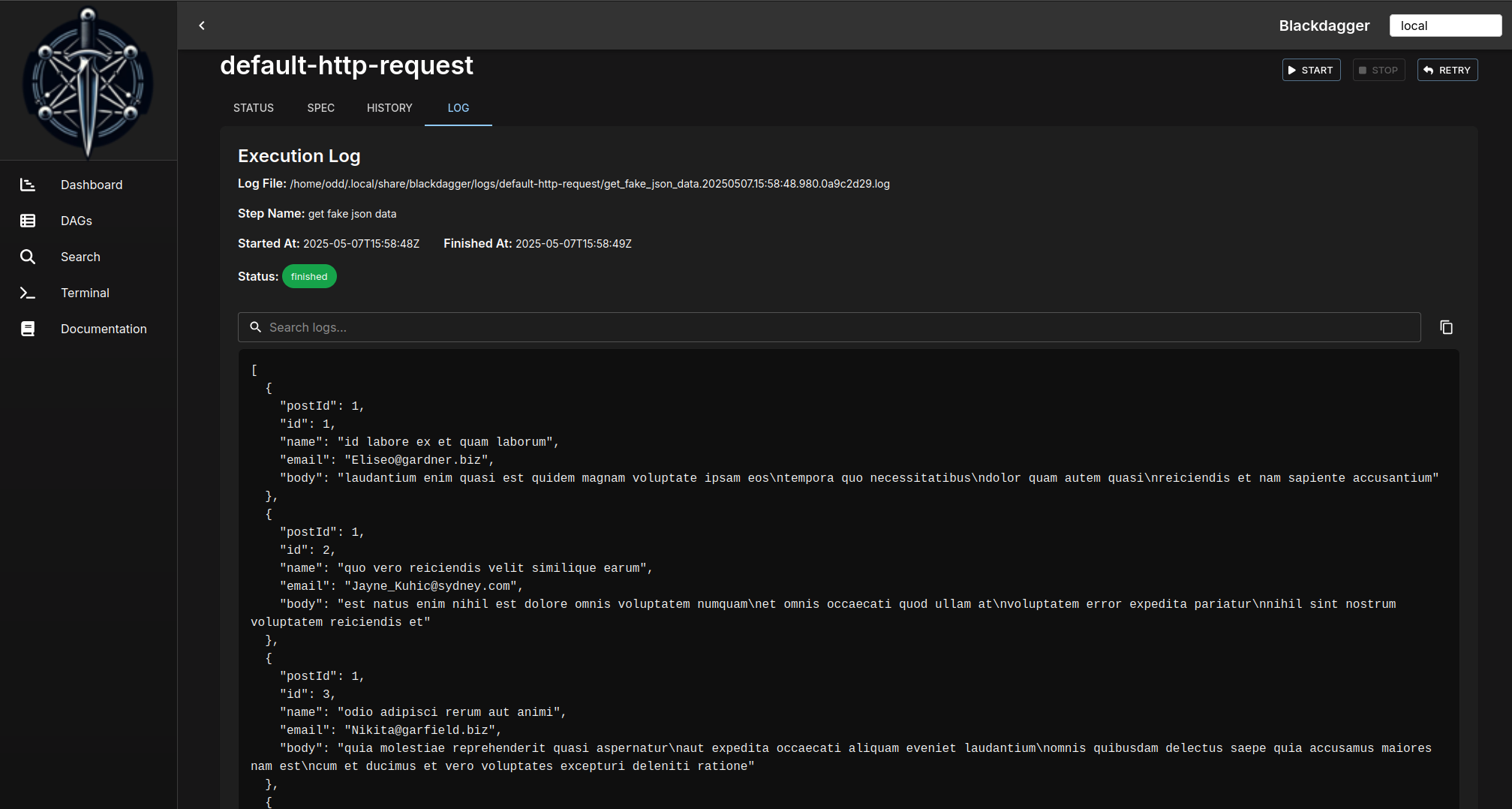
DAG Execution Log
It shows the detailed log and standard output of each execution and step.
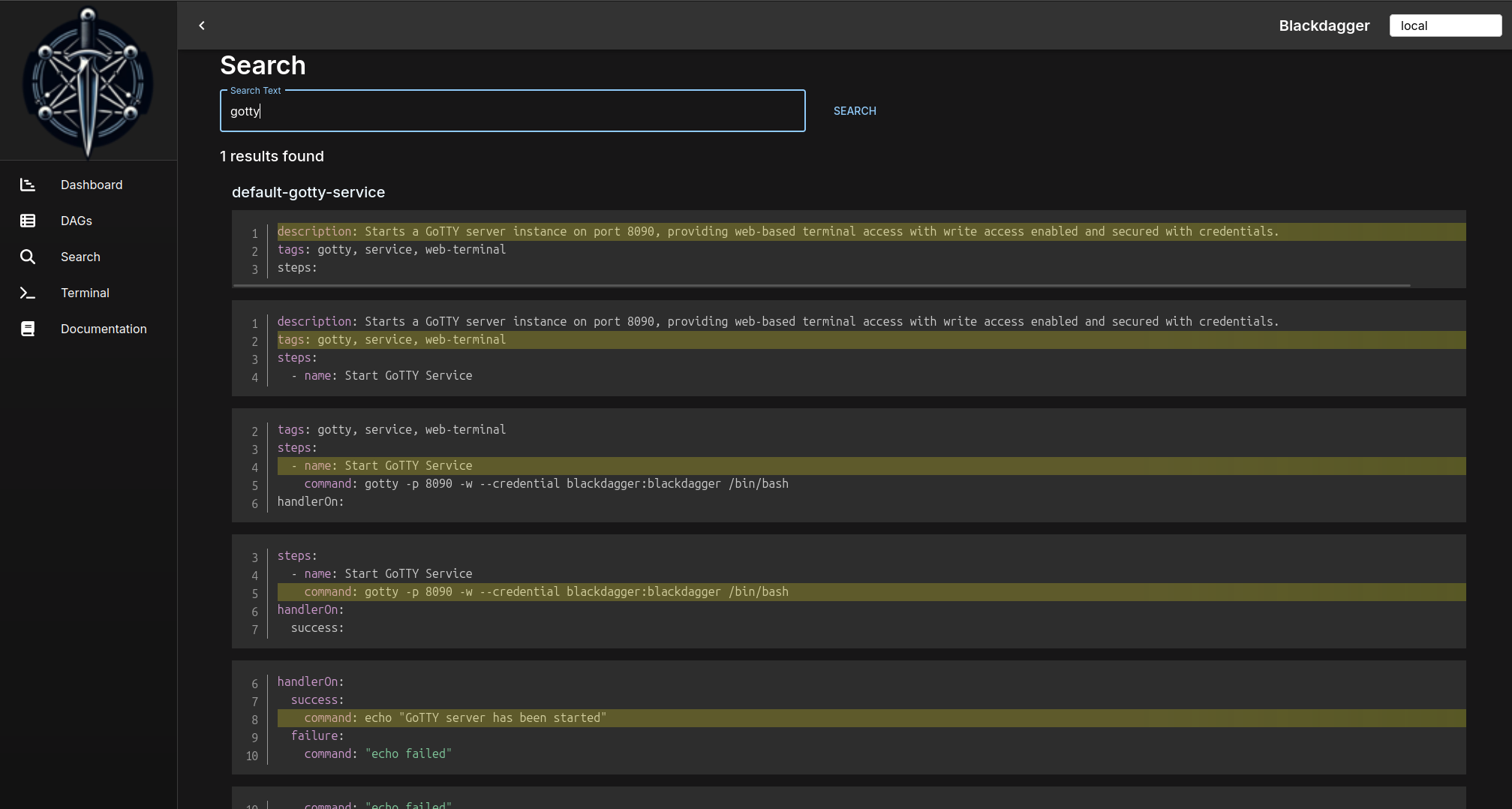
Search DAGs
It searches given text across all DAGs.